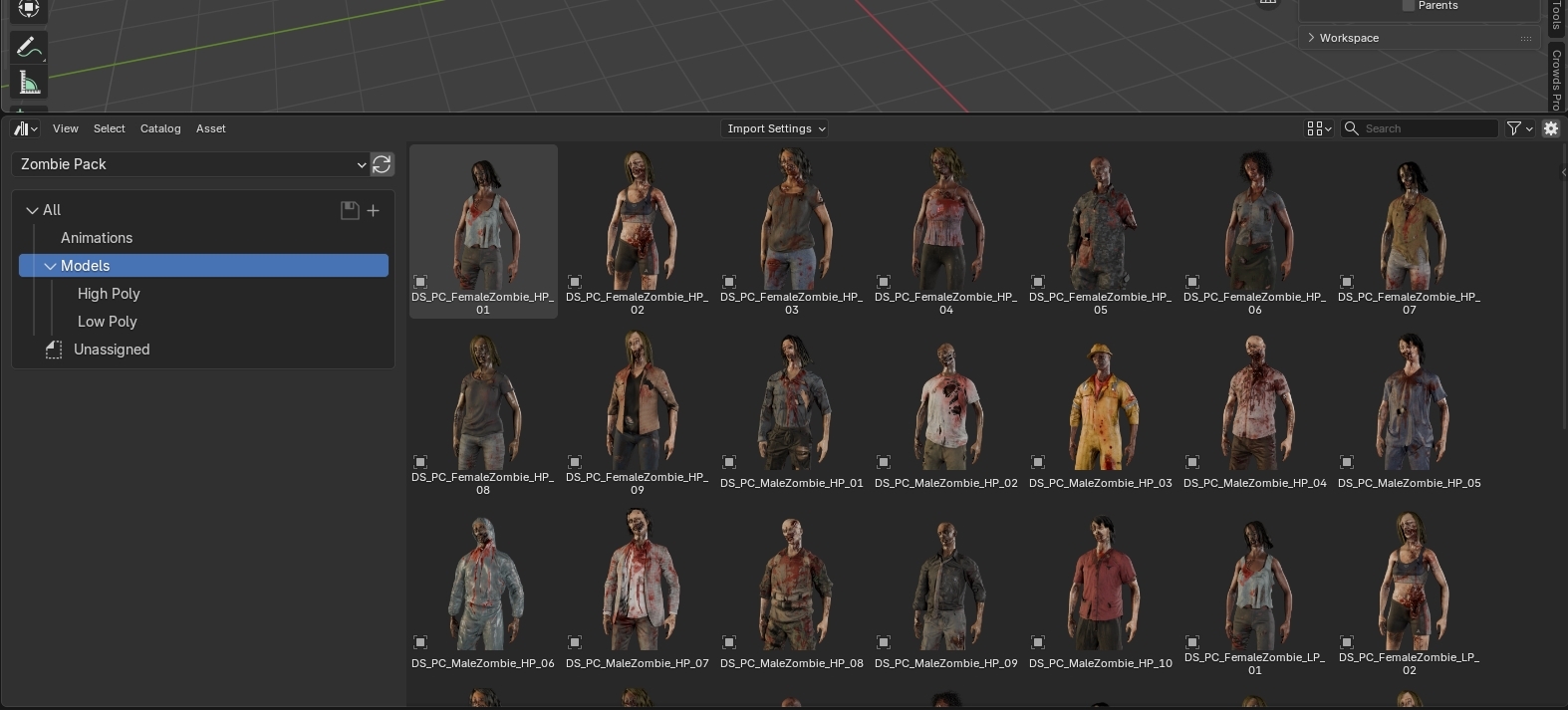
This is a versatile collection of zombie models, rigged and animated to bring life to your 3D scenes.
Tailored to your specific needs, we provide both high-poly and low-poly versions of the characters. This flexibility allows you to strike the perfect balance between detail and performance.
With optimized performance and compatibility with the Procedural Crowds add-on and of course integration with Blender's Asset Browser.
Download the file ZOMBIE PACK.zip
Copy the extracted folder "Zombie Pack" to the Crowd-Models folder within your Assets directory.
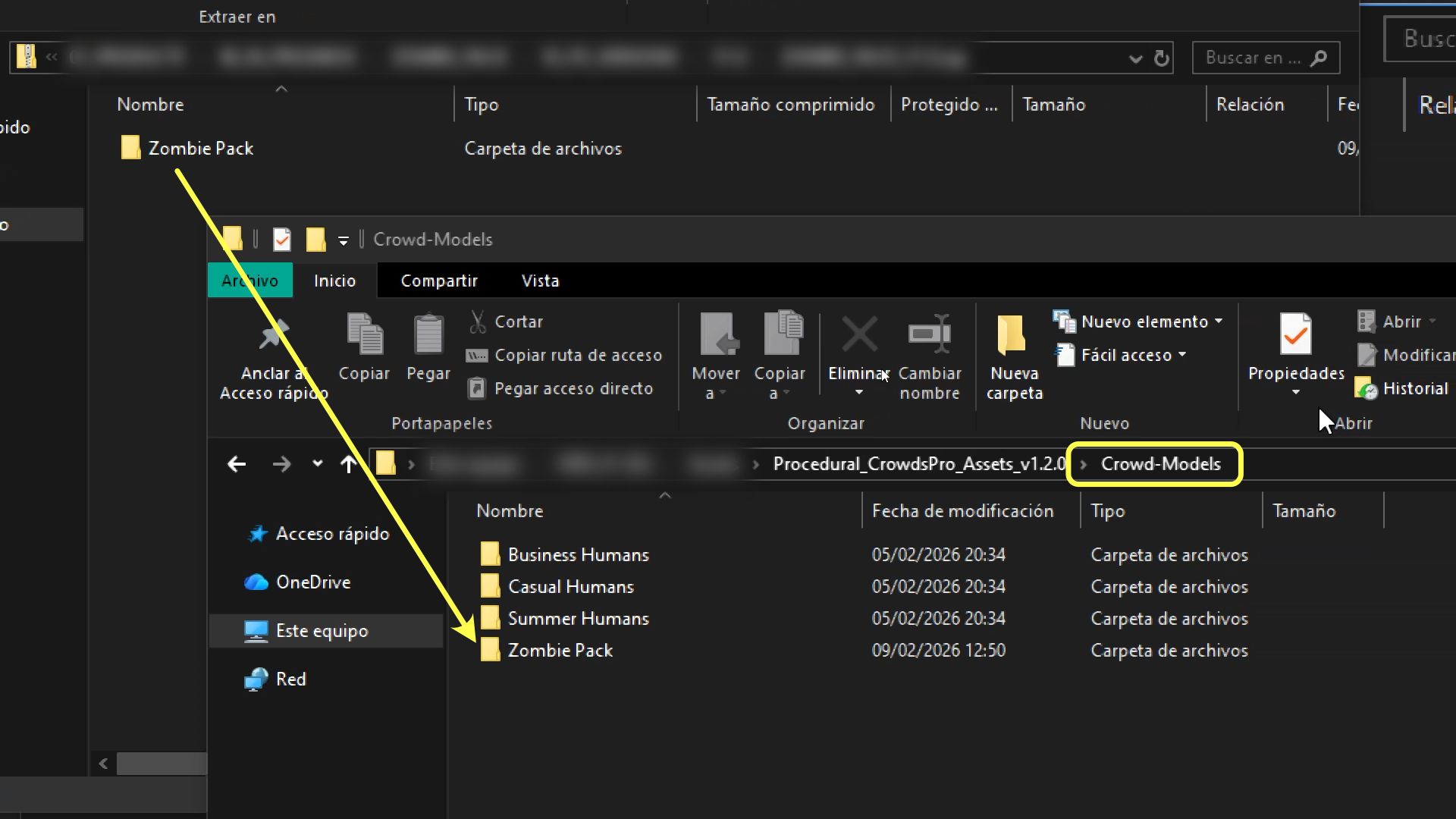
If you had Blender open, please close and reopen it to ensure that the new models appear in Procedural Crowds.
Since this same folder contains the assets from the asset browser, it is recommended to add it as indicated below so that the models are available at any time.
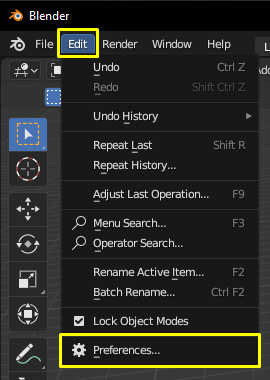
Open Blender and go to Preferences.
Navigate to File Paths.

If you are using Procedural Crowds, go to the Procedural Crowds assets folder and select the same "Zombie Pack" folder that we copied earlier (Go into the folder and click on Add Asset Library).
If you are not using Procedural Crowds, simply extract the folder from the zip file and select it in Blender in the same way.
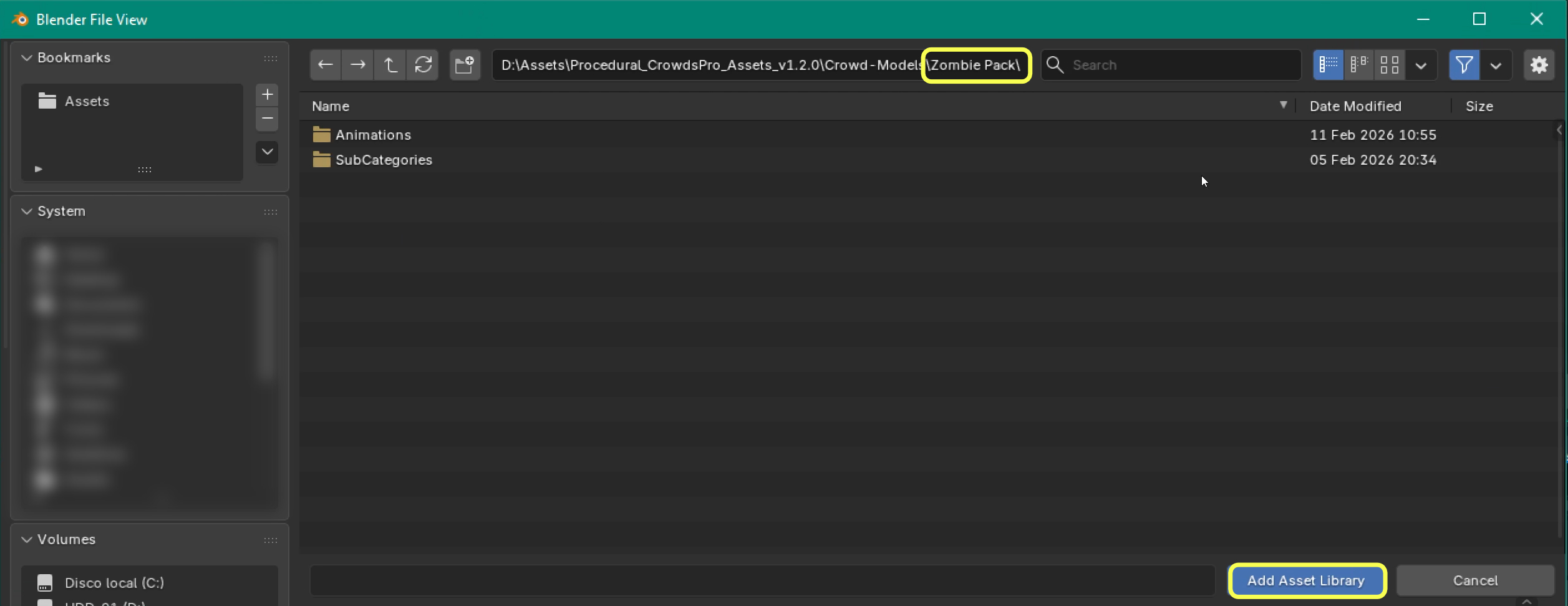
You're all set! You can now use the models in your scenes.